Assistance needed tweaking left bar in header

Hello,

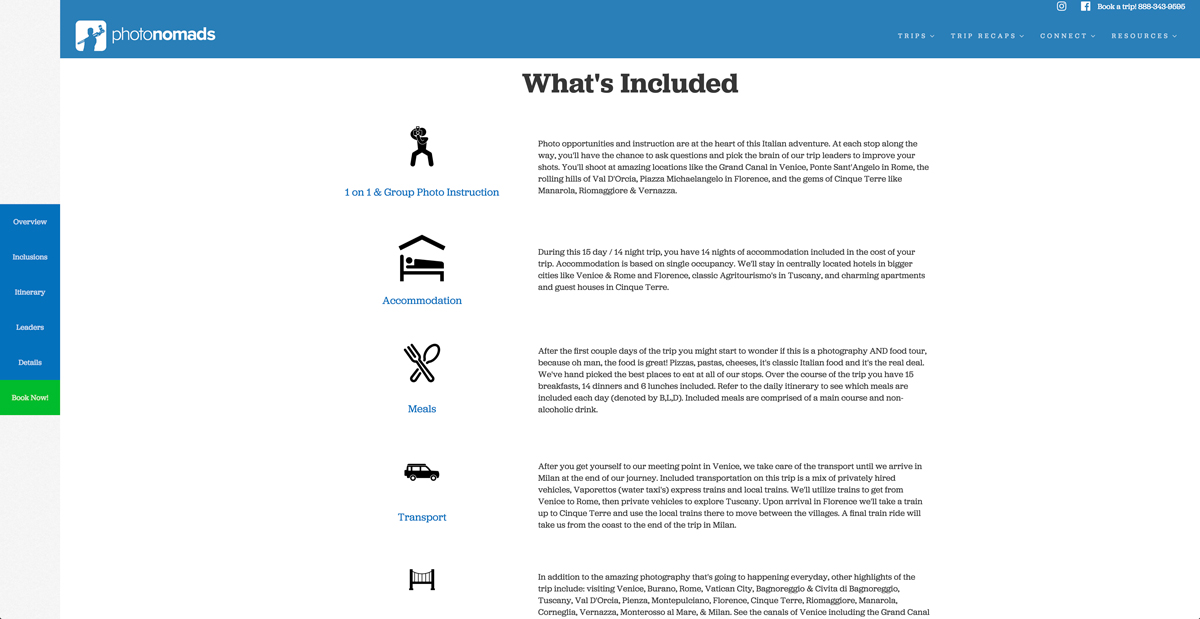
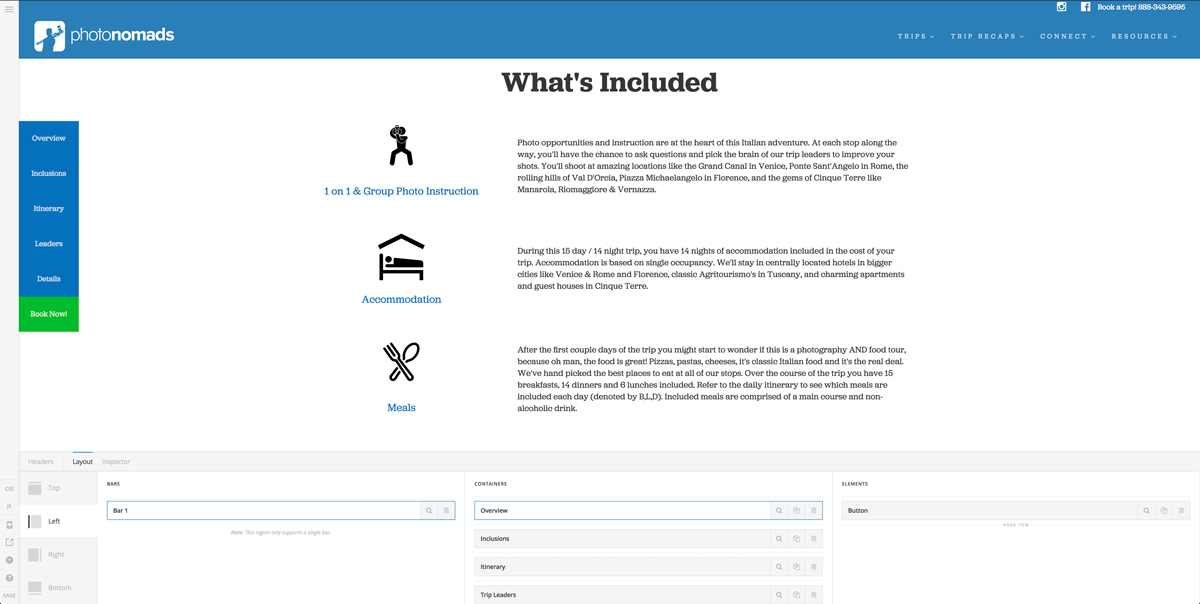
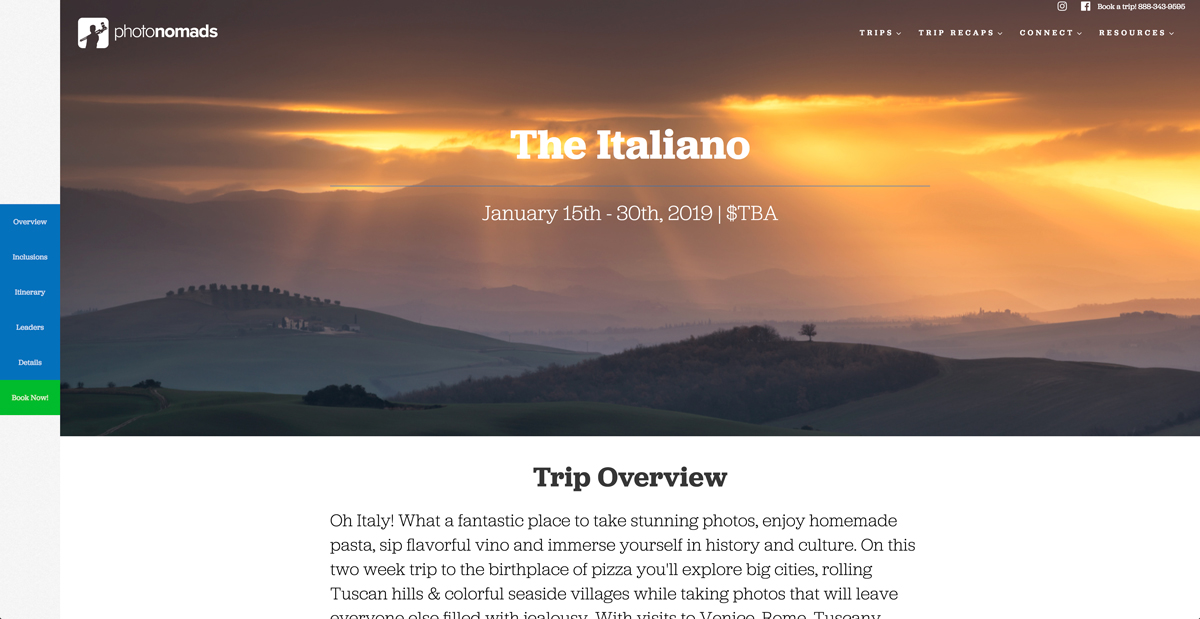
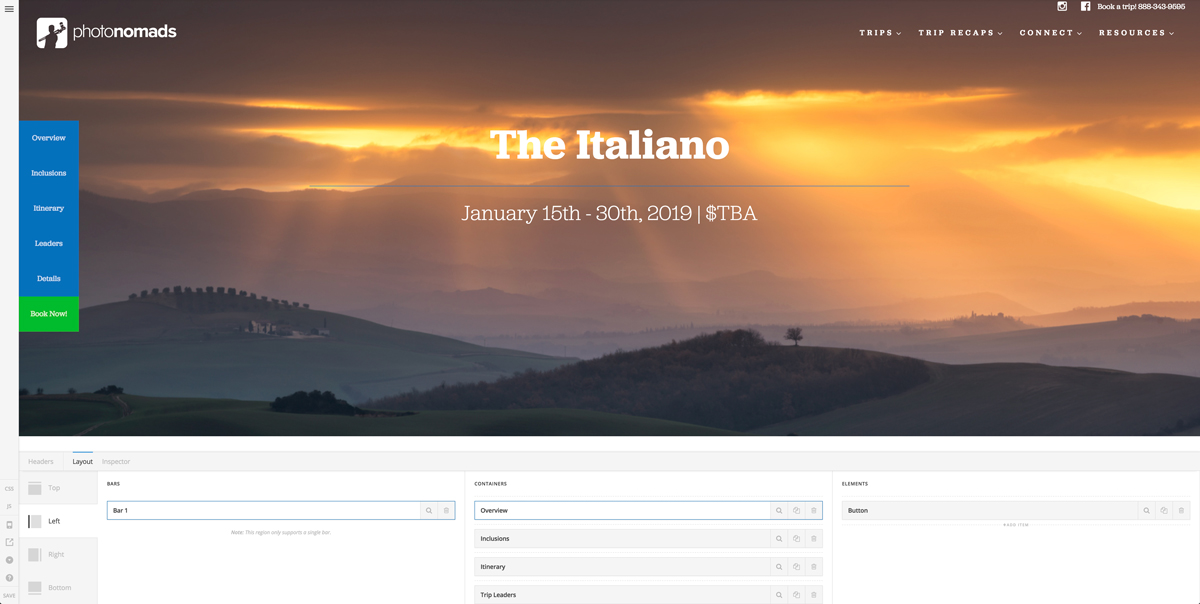
I recently added in a left bar to one of my headers but I’m having issues with it. Everything shows up correctly in the header builder preview, but when I view the site the left bar is not displaying in the same way.

The page I’m using this header on is https://photonomadstravel.com/trip-template

The header assigned to this page is called “Trip Page Header”, it also has a top bar in addition to the left bar, I’d like to be able to utilize both. Screen shots are attached showing the differences between the preview in the builder and the actual view on the site.

Any help would be appreciated, credentials are also listed, feel free to login if needed.

Thank you!
Dave
Hi There,

The given login credentials dont work, please review it and let us know working credentials so we can take a closer look.

Thanks!

Hi @Joao - sorry about that, I updated the credentials in the secure note, can you try again? Thanks!

Hey There,

I have logged in and still the credentials were not working.
Please clarify that the following is the username and password.

You might need to double check it again. Thanks.

@RueNel - Sorry, had an extra space in the pw in the credentials, can you try it again please? Thanks!

Hello There,

Thanks for updating the credentials. I was able to logged in and I have modified your header by updating your custom css into this:

.hm21.x-bar-space.x-bar-space-left.x-bar-space-v {
    position: fixed;
}

@media ( max-width: 767px ) {
  .my-main-bar {
   top:0!important;
  }

  .admin-bar .my-main-bar {
   top:46px !important;
  }
}

Please clear all your site caches including in SIteGround and test your site again.

@RueNel - you rock, thank you!!

You’re more than welcome, glad we could help.

Cheers!

This topic was automatically closed 10 days after the last reply. New replies are no longer allowed.