Hi there I am using Integrity theme version 5.2.5. Running on Wp 4.6.5
I added the code provided in this response: https://theme.co/apex/forum/t/how-do-i-add-classic-author-at-bottom-of-all-posts/21562 to add author box to the bottom of my posts. Worked great! Looked great!
But the Twitter icon/social link is not working.
When you rollover the social icon you can see the Twitter URL is being populated as: User Website/Post Title/Twitter Username. This link obviously doesn’t work.
It needs to be: https://twitter.com/brentstafford (social website url/brentstafford)
This function operates properly with the facebook icon/link.
My twitter account works throughout the site on other icons and links. Twitter is fully integrated with my site.
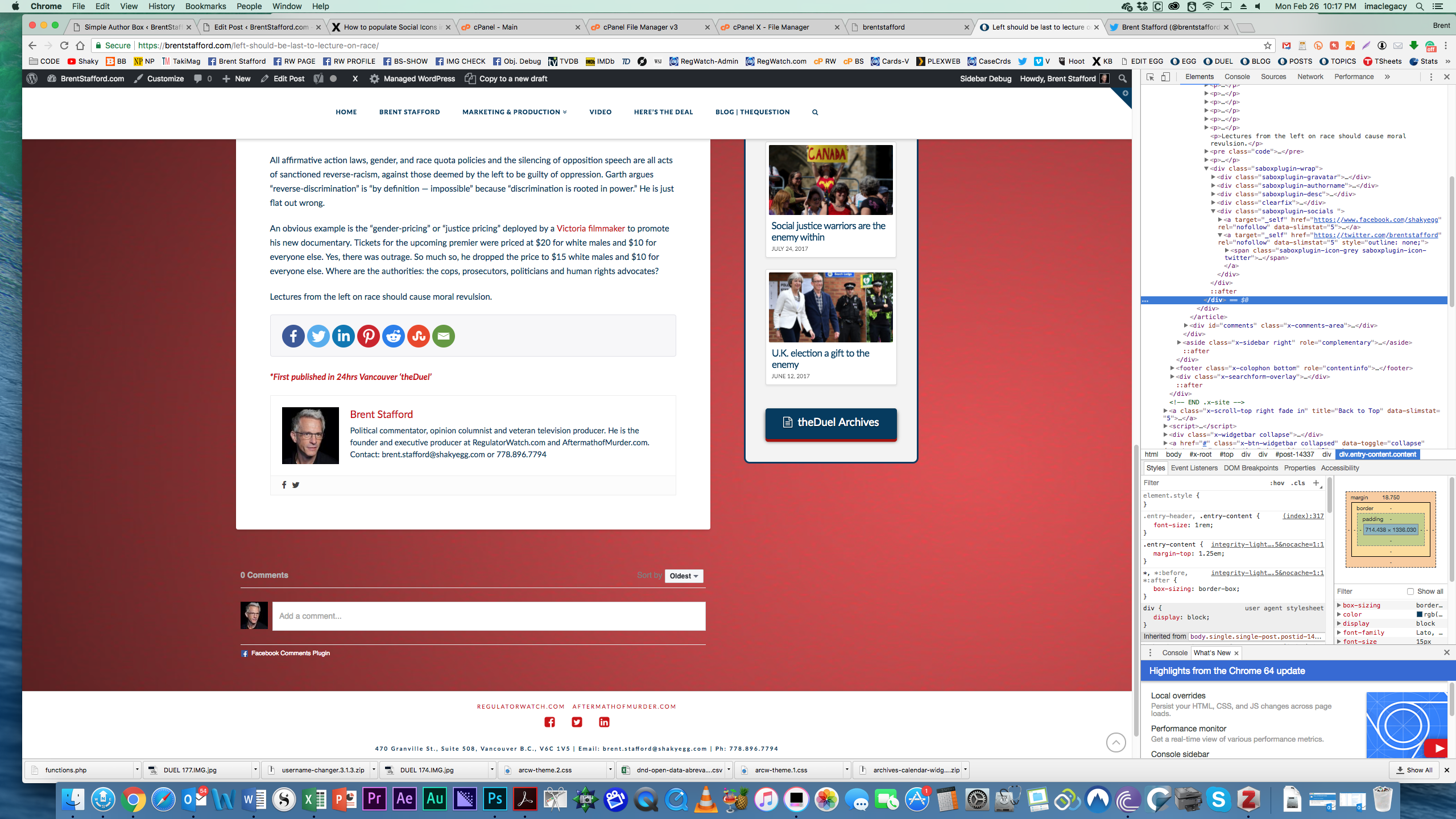
Interstinglngly I uninstalled the X code and installed Simple Author Box plugin. This install also showed a problem with the Twitter URL. Rolling over the plugin you see only: brenstafford
Of course, this as well does not work. For some reason it only populated my username.
I’ve uninstalled the Simple Author Box plugin and re-added the xCode:
=============================================================================
// ADD AUTHOR TO ALL SINGLE POSTS (BOTTOM)
// =============================================================================
function add_author() {
if(is_singular(‘post’)){
$author_id = get_the_author_meta(‘ID’);
echo do_shortcode(’[author title=“About the Author” author_id="’.$author_id.’"]’);
}
}
add_action( ‘x_before_the_content_end’, ‘add_author’, 10 );
The problem still persists.
I’ve attached 3 images of the above code running. You can see the URL bar and also the inspector on the Twitter Icon element.
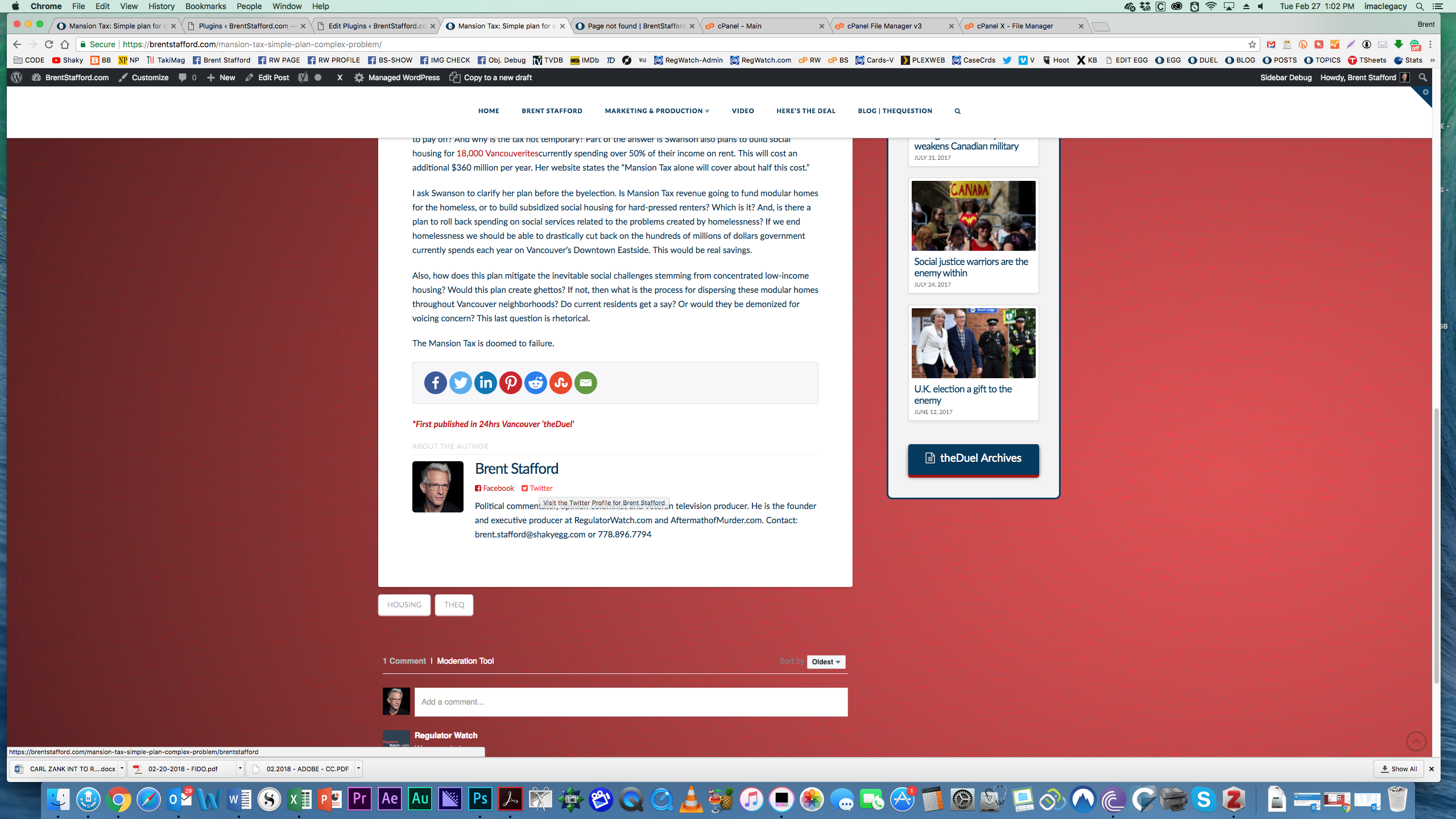
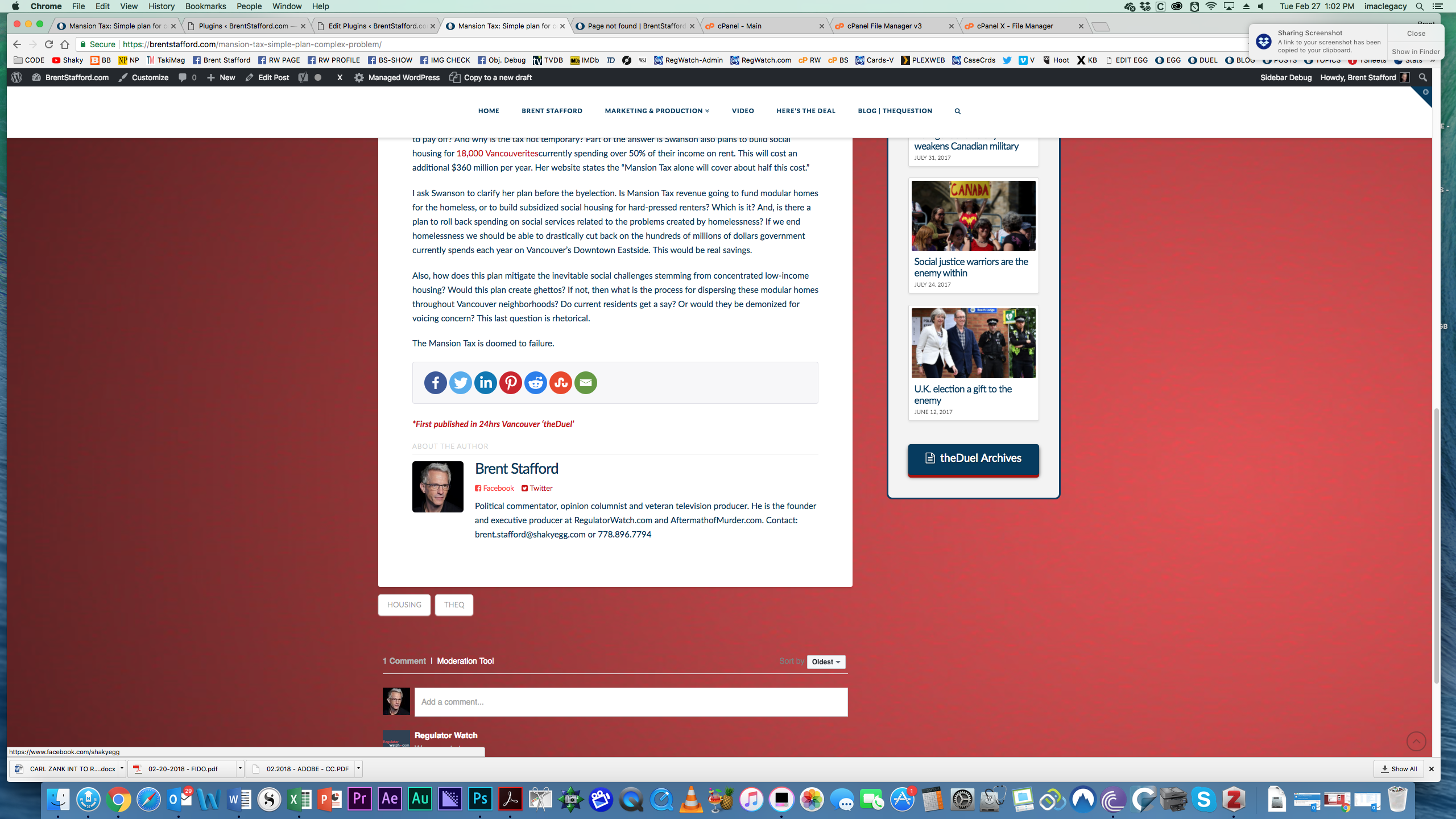
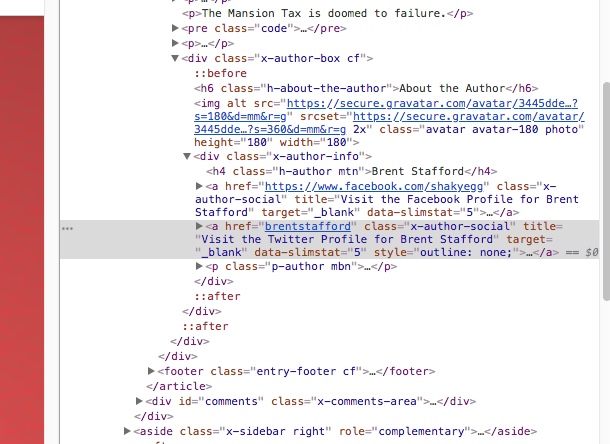
I’ve also attached 3 images of the Simple Author Plugin installation and replication of essentially the same issue.
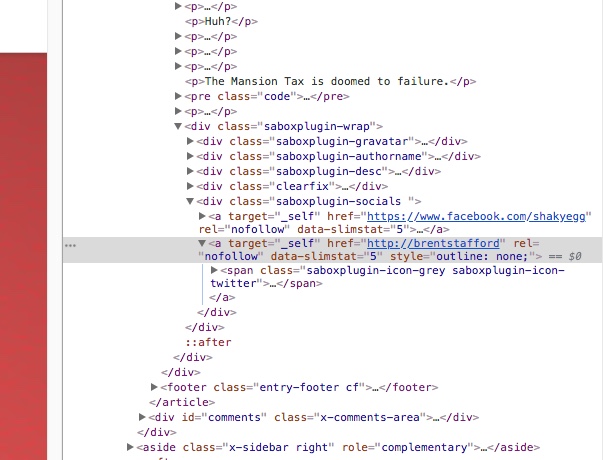
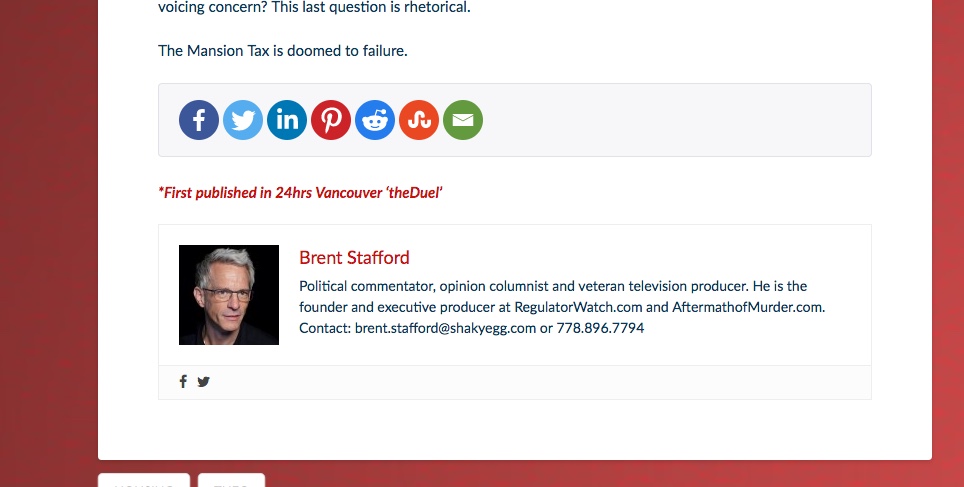
I can’t figure out how to hunt down this problem, is it the theme? I hope you guys can help.
Here are my login details:
Thanks
Brent